 WorldMap Pro
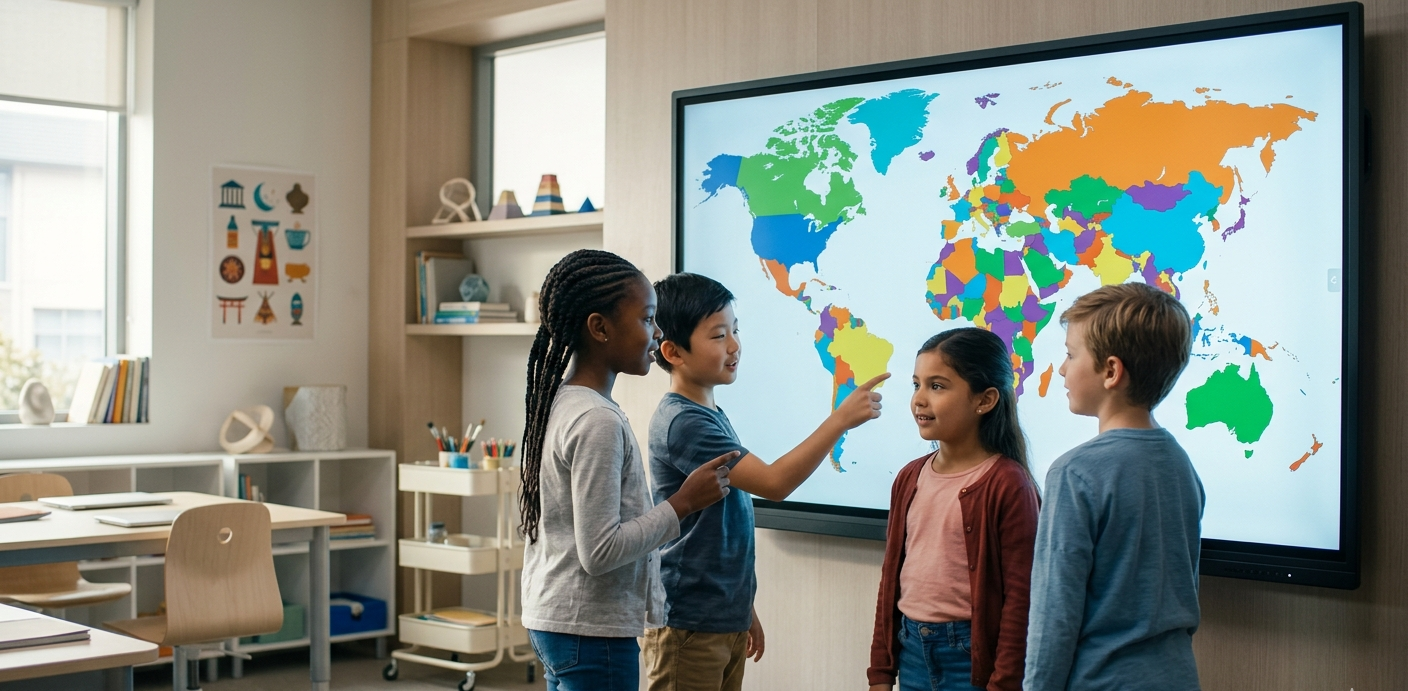
In today's classroom, static paper maps can feel disconnected from the digital world students live in. Using an interactive world map allows teachers to demonstrate global concepts dynamically, from climate shifts to the expansion of historical empires[cite: 7].
Why Teachers Prefer WorldMap Pro
Educators face unique challenges when choosing digital tools, specifically regarding student safety and ease of use. Here is why our tool stands out for schools[cite: 7, 8]:
- Privacy-First Design: All data stays in the browser. There are no student accounts to create and no personal data is ever uploaded or transmitted[cite: 7, 8].
- No Installation Needed: The tool runs entirely in the web browser, making it compatible with Chromebooks, iPads, and smartboards[cite: 7].
- High-Res Exports: Teachers can create custom blank maps for quizzes and export them as high-resolution PNGs for printing[cite: 6, 7].
Classroom Idea: Have students use the color tool to identify the seven continents or color-code countries by the languages they speak. It's a great way to build visual memory[cite: 7].
Top 3 Ways to Use Maps in Your Lesson Plan
1. Interactive History Timelines
Instead of just reading about history, show it. Use the map to color-code territories as they changed over decades. This helps students visualize the scale of historical events rather than just memorizing dates[cite: 7].
2. "Been There" Travel Tracking
For classes focused on global cultures, use the map as a "Travel Tracker." If a student or a book mentions a country, mark it on the map with a custom color. By the end of the year, the class can see how much of the world they have "visited" through their curriculum[cite: 7].
3. Data Visualization Projects
Advanced students can use the map to visualize data. Whether it's population density, export goods, or climate zones, students can add pins and notes to specific regions to tell a data-driven story[cite: 7].
Creating Your First Classroom Map
Getting started is simple. Open the Map Tool, choose a blank world map layout, and start customizing. You can toggle borders, add labels, and use the color bucket to fill in countries instantly[cite: 6, 7].