 WorldMap Pro
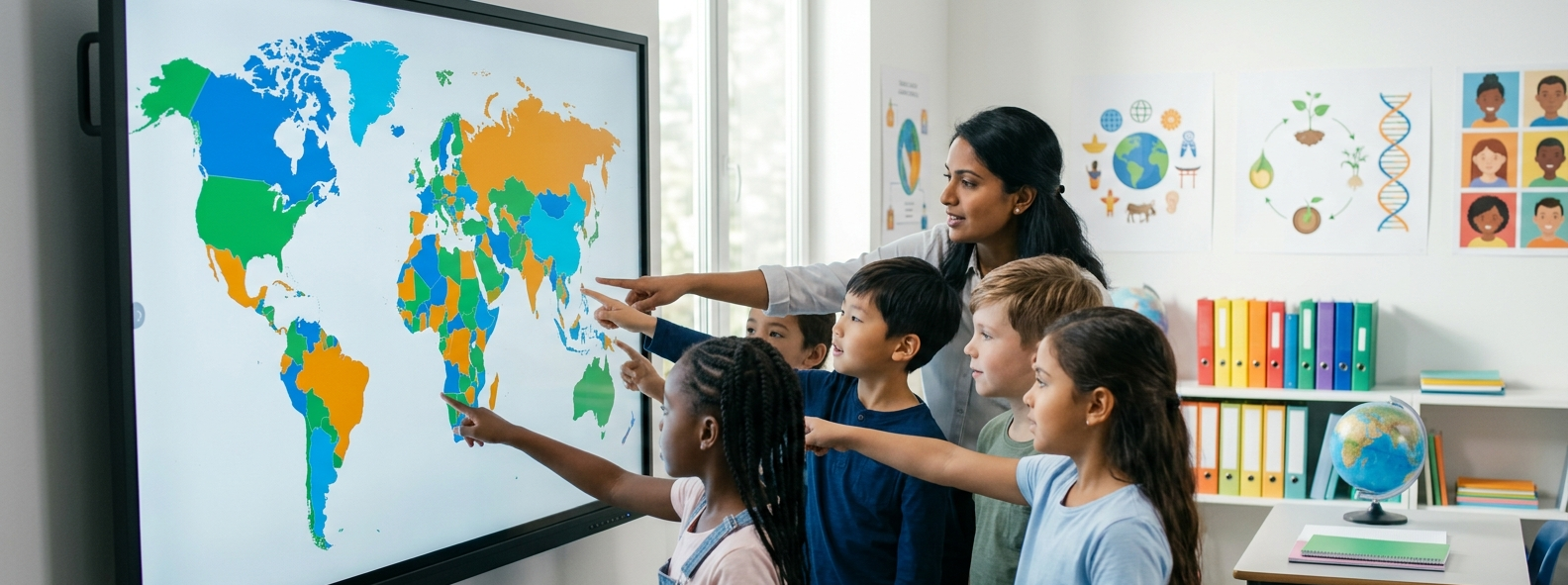
Geography is often the "window to the world" for K-12 students. By using WorldMap Pro, educators can provide a safe, ad-free environment where students can learn about continents, countries, and cultures through active participation.
Why WorldMap Pro is an Essential Educational Service
Schools require tools that are not only effective but also compliant with strict student privacy standards.
- No Student Accounts Required: Students can use the tool immediately without providing email addresses or personal information.
- Privacy-First Framework: Since all processing is local, no student work is ever uploaded to our servers, ensuring total COPPA/GDPR safety.
- Chromebook Optimized: Our lightweight, browser-based editor runs smoothly on school-issued hardware without any lag.
Lesson Idea: Create a "Mystery Country" game. Use the map to color one country and have students use the interactive zoom to guess which one it is based on surrounding geography!
How to Enhance Your Lesson Plans
1. Interactive Geography Quizzes
Forget generic worksheets. Teachers can use our service to generate high-resolution blank world maps. Students can then use the color bucket to identify regions or place pins on capital cities for a modern, digital assessment.
2. Visualizing World History
Mapping isn't just for geography. Use different colors to represent the expansion of the Silk Road or the territories of ancient civilizations. Visualizing historical borders helps students understand the flow of history.
3. Collaborative Science Projects
Have students track animal migrations or climate zones by placing pins and adding descriptive notes. These custom maps can be exported as PDFs for inclusion in science fair projects or digital portfolios.
Step-by-Step for Teachers
- Define the Objective: Choose whether you need a full world view or a specific continent.
- Set the Scene: Use the editor to toggle country names or borders depending on the difficulty level of your lesson.
- Export & Share: Download your customized map as a clear PNG image to insert into Google Slides or print as a physical worksheet.